PrivyAPI
Import specs, draft requests, and test APIs from your browser without cloud workspaces.
Overview
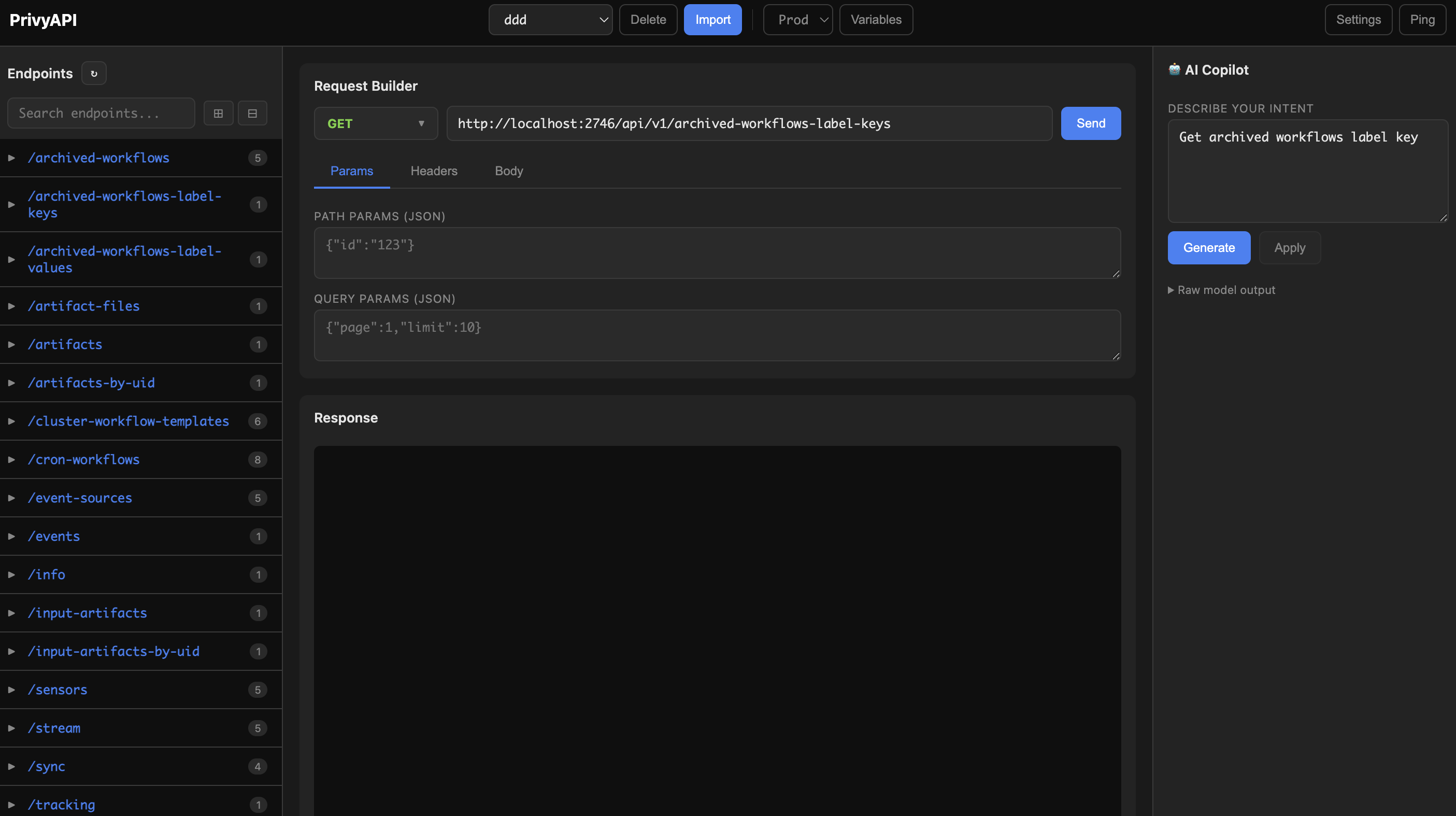
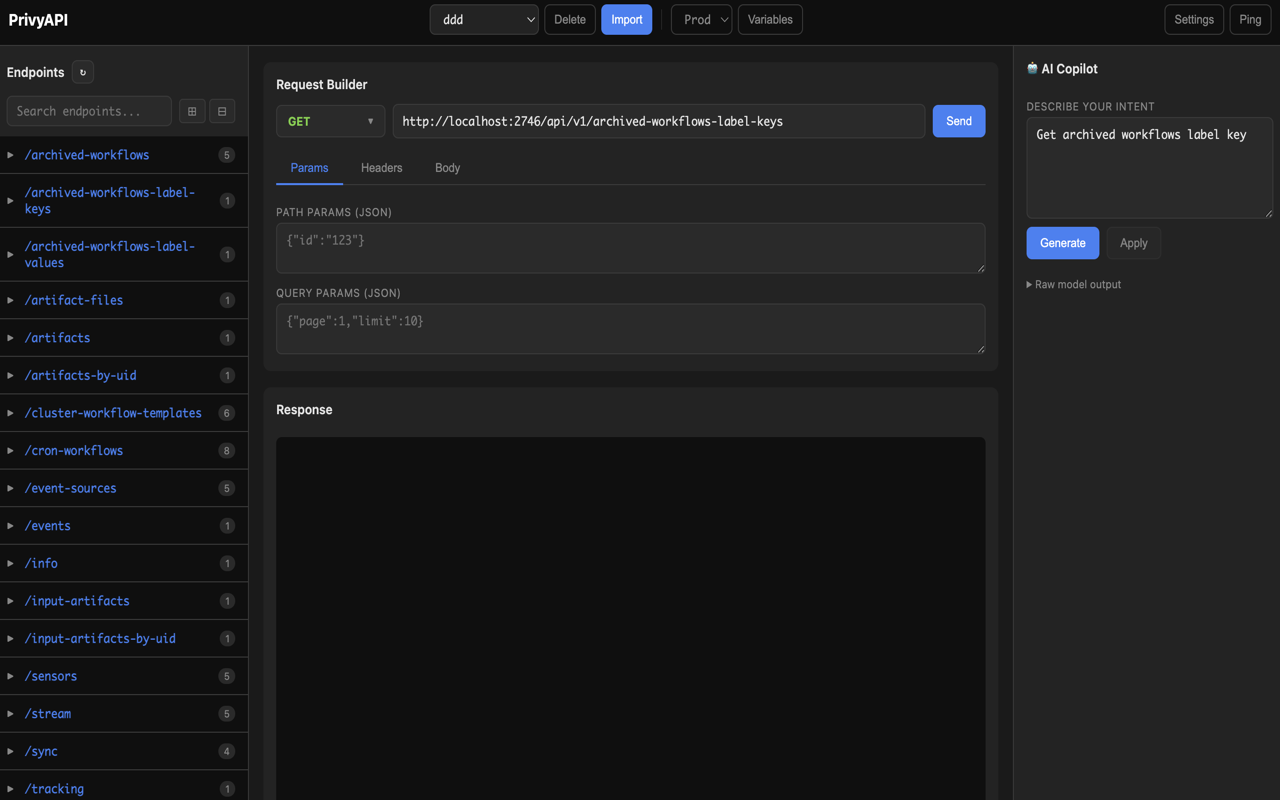
PrivyAPI is a privacy-first API testing workspace inside Chrome. It helps developers import OpenAPI and Swagger specs, manage request variables, draft calls with optional local AI assistance, and keep API testing data stored on the device.
Features
- OpenAPI/Swagger import — Import API specs and turn documented endpoints into testable requests quickly
- Local AI assistance — Optional Ollama integration to draft API calls on your machine
- Environment variables — User-defined variables like baseUrl
- Sensitive data redaction — Auto-redacts auth headers, passwords, API keys before sending to local AI
- Local storage — All data stored in IndexedDB. Never leaves your device.
Advantages
Unlike cloud-hosted API clients, PrivyAPI does not require an account, hosted workspace, analytics pipeline, or remote AI provider for its core workflow. The only network traffic is the API tests you initiate and the optional connection to your local Ollama server.
Benefits
Move from API specification to working browser-based request faster, keep credentials and test history close to your device, and reduce the overhead of sanitizing internal API details before using an external tool.
Requirements
- Google Chrome or a compatible Chromium browser
- Ollama (optional) — Required only for local AI request drafting.
- API access — Target APIs must be reachable from your browser and allow the request method, headers, and CORS configuration you use.
Screenshots